

 Written by Rana
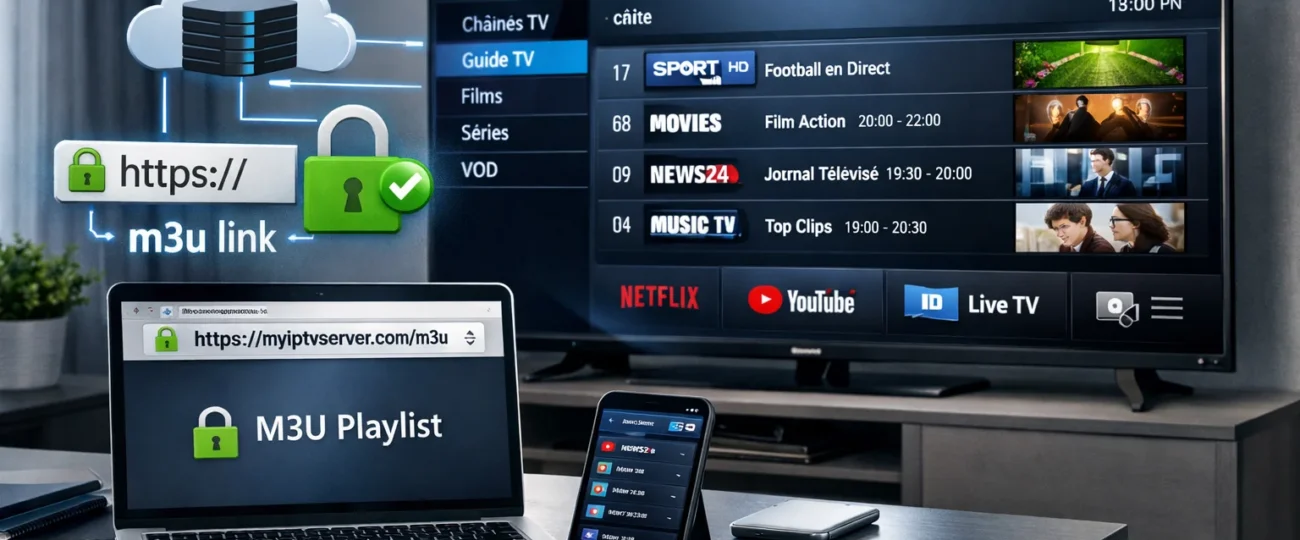
You can get URL for IPTV from a real IPTV provider account. After you subscribe, the provider gives you a personal link called an M3U playlist, plus a TV guide link (EPG). These links are connected to your username, your device, and an expiration date.
You usually find them in your account dashboard, along with limits like how many devices can watch at the same time.
If your provider uses Xtream Codes, you don’t get one long link. Instead, you enter three things: server address, username, and password. Always test your link to make sure it works, and avoid links that don’t use secure HTTPS or that send you to strange websites.
An “IPTV URL” is not one single standard link. It usually comes from one of three main sources:
| Source Type | What It Is | How It Works | Reliability |
| Official IPTV services | Legal IPTV platforms with user accounts | Create personal links for each user, like M3U playlist links and TV guide (EPG) links tied to your account | High and stable |
| TV channels & streaming networks | Broadcasters and media companies | Generate protected streaming links for their own apps and partners, only for approved users or devices | High but restricted |
| Unofficial restreaming services | Services that repackage many channels | Collect many channels into one big playlist with one IPTV link, often without rights | Unstable and risky |
In short, IPTV URLs are not random links. They are generated by systems that control who can watch, on which device, and for how long. The more official the source, the more stable and reliable the IPTV URL will be.
If you use a legal IPTV service, the best way to get your IPTV URL is from your own account. These links are created for each user, and sometimes for each device, so they work more reliably.
Your account dashboard usually shows the main link, the security token, and how often it refreshes, which helps avoid errors or blocked requests.
Always check your account area first and make sure the link format matches what your provider explains in their help pages.
To get and check your IPTV links:
The main difference between M3U links and Xtream Codes is how your access and updates are handled.
Whether you use an M3U link or Xtream Codes, the goal in IPTV Smarters is the same: add your provider details so the app can load channels, TV guide, and refresh them automatically. You just choose the right format and enter your info carefully to avoid errors.
Here is how to do it:
Some IPTV URLs may work at first, but that does not mean they are safe. Many fake or risky services show warning signs around the link, the website, and how they ask you to log in.
Here are the main danger signs to watch for:
IPTV playlist URLs can change weekly to monthly, but unstable sources may expire daily. You’ll see link rotation tied to subscription cycles, provider load-balancing, and anti-leech controls, so you can’t assume persistent endpoints.
You usually can’t use one IPTV URL on multiple devices simultaneously unless your provider supports concurrent streaming. Most enforce device limits per account, often 1–3 streams; exceeding triggers throttling, token invalidation, or session termination.
Usually no, you can’t rely on smart TV native playback for IPTV URLs. Some models stream via a web browser, but codecs, DRM, and playlist formats face limited support. You’ll typically need an IPTV app.
Yes, a VPN can affect IPTV URL performance and accessibility: VPN impact includes rerouting, ISP throttling bypass, or geo-unblocking; but it can increase Streaming latency, reduce throughput, and trigger server blocks if shared IPs are flagged.
Export your IPTV settings via your app’s backup/export, then store the file in encrypted archives with a strong passphrase. Keep versioned cloud snapshots, verify integrity with hashes, and redact tokens before sharing.

Premium IPTV subscription built for Canadian viewers